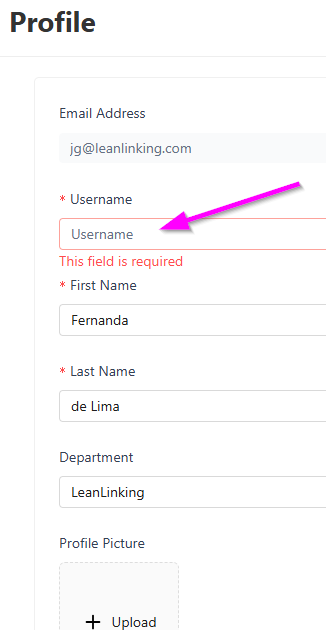
If you have not already changed your username, or defined a new one when creating your account, your username will by default be your e-mail address. You can always change your username from your user profile page.
To change your username:
- Go to your User Profile.
- Click the Edit button.
- Type in your new username.
- Click the Save button.
Next time you login on app.leanlinking.com you should use the new username. Keep in mind you cannot change your email address.